
Drag and drop your documents
A policy document, a price list, terms, an existing FAQ. There is no authoring step.
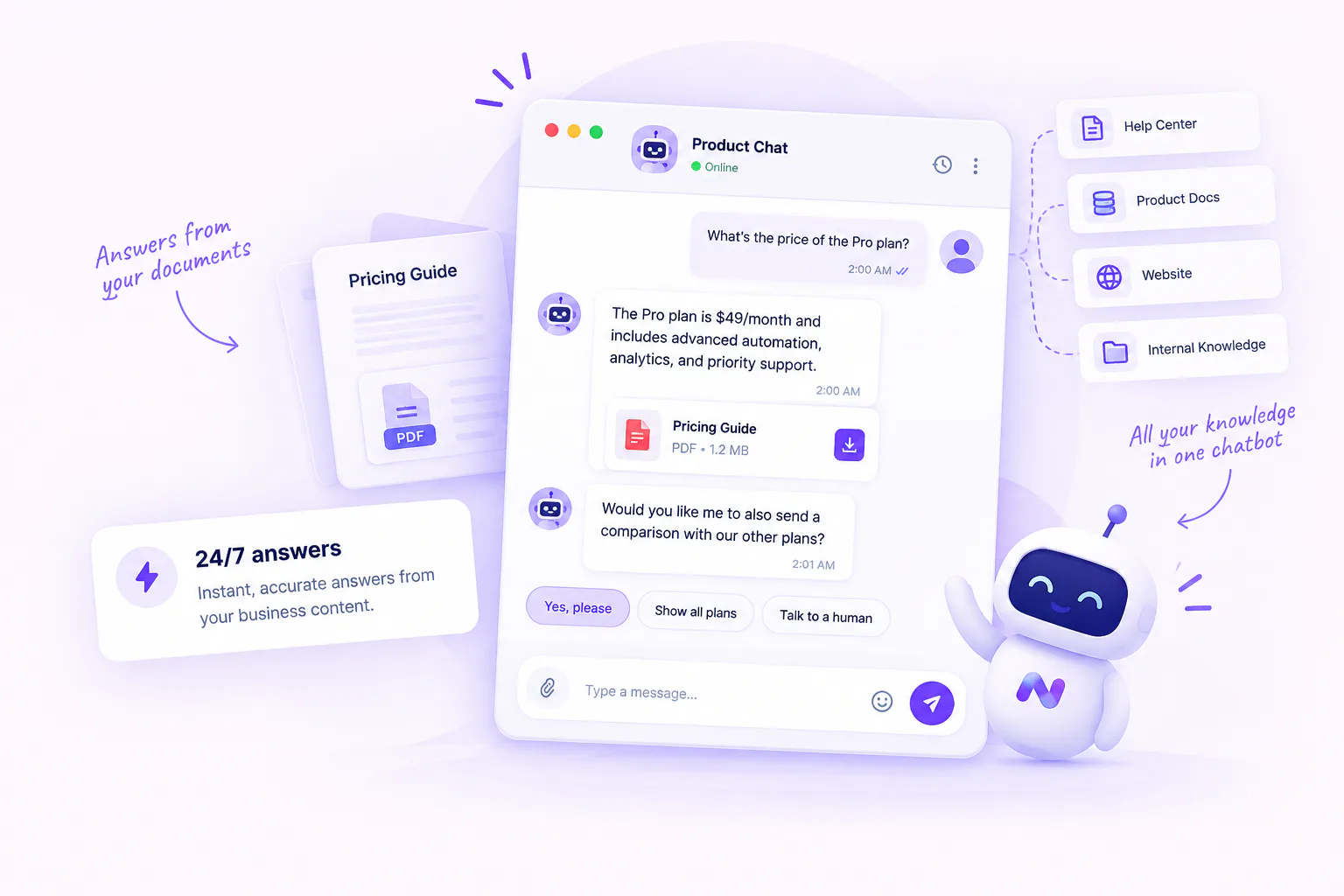
Website visitors ask pre-sales questions at the moment of highest intent, usually outside working hours. A chatbot that knows your actual price list and your actual policy converts those moments instead of collecting them for a reply two days later.
The loader updates itself, so you never have to change the snippet again.
<script src="https://cdn.nommos.ai/chatbot/embeded.js"></script>
<script>window.NommosChatWidget.init('YOUR_PUBLIC_TOKEN');</script>Install the widget, upload your approved content and give customers answers grounded in the information your business provides.
Install the NOMMOS widget with the provided embed script and public token.
Upload policies, product guides and frequently asked questions to create an approved knowledge base.
Customers receive concise responses based on your documents, with the relevant source available for verification.
When the chatbot cannot resolve a request, customers can move to the configured support channel.
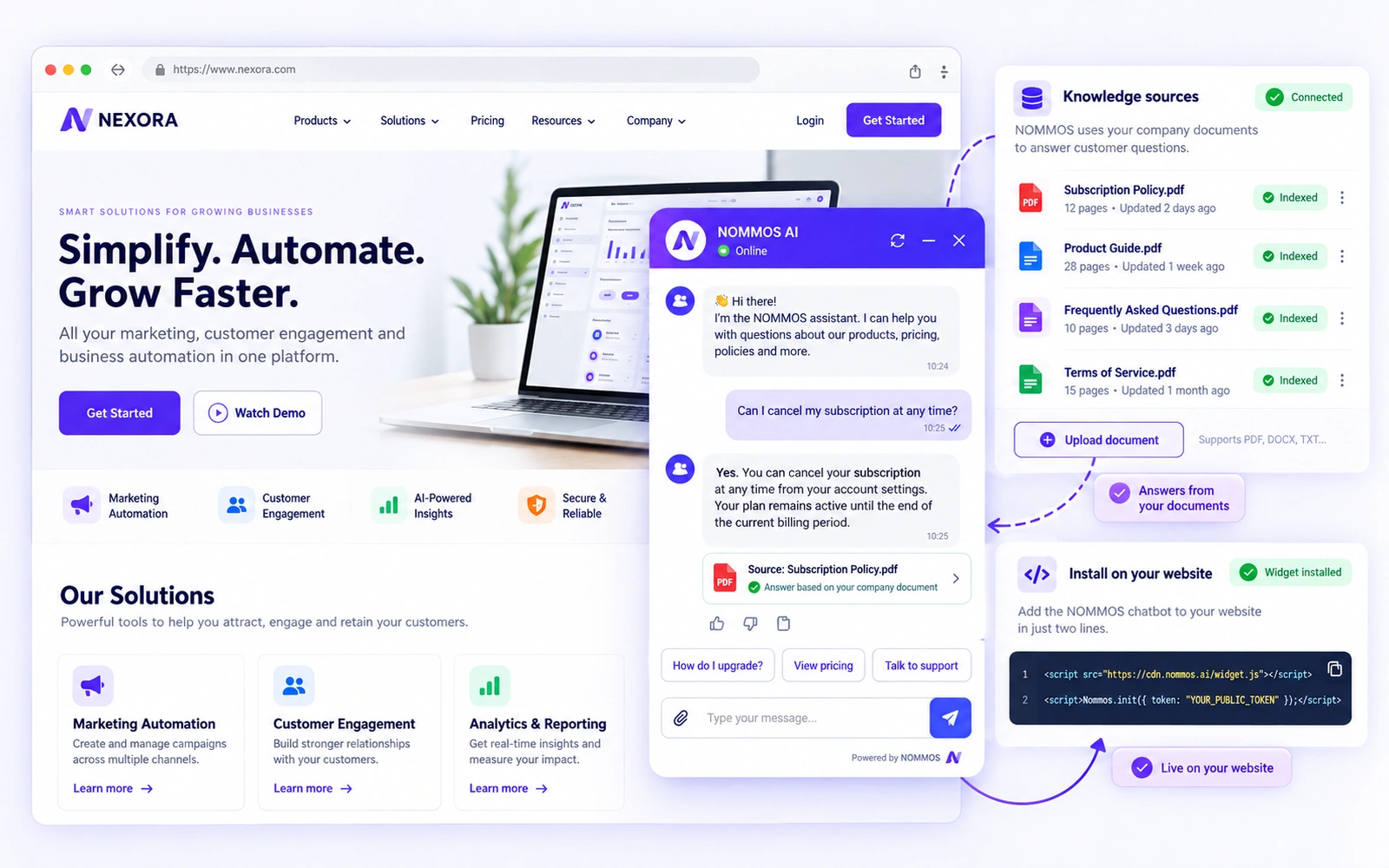
Most tools make someone write hundreds of question-and-answer pairs by hand, which is why most chatbots are abandoned. Nommos reads the documents you already own.
A policy document, a price list, terms, an existing FAQ. There is no authoring step.
It tells you plainly if a document has already been uploaded rather than silently indexing it twice.
PDF, DOC and DOCX.
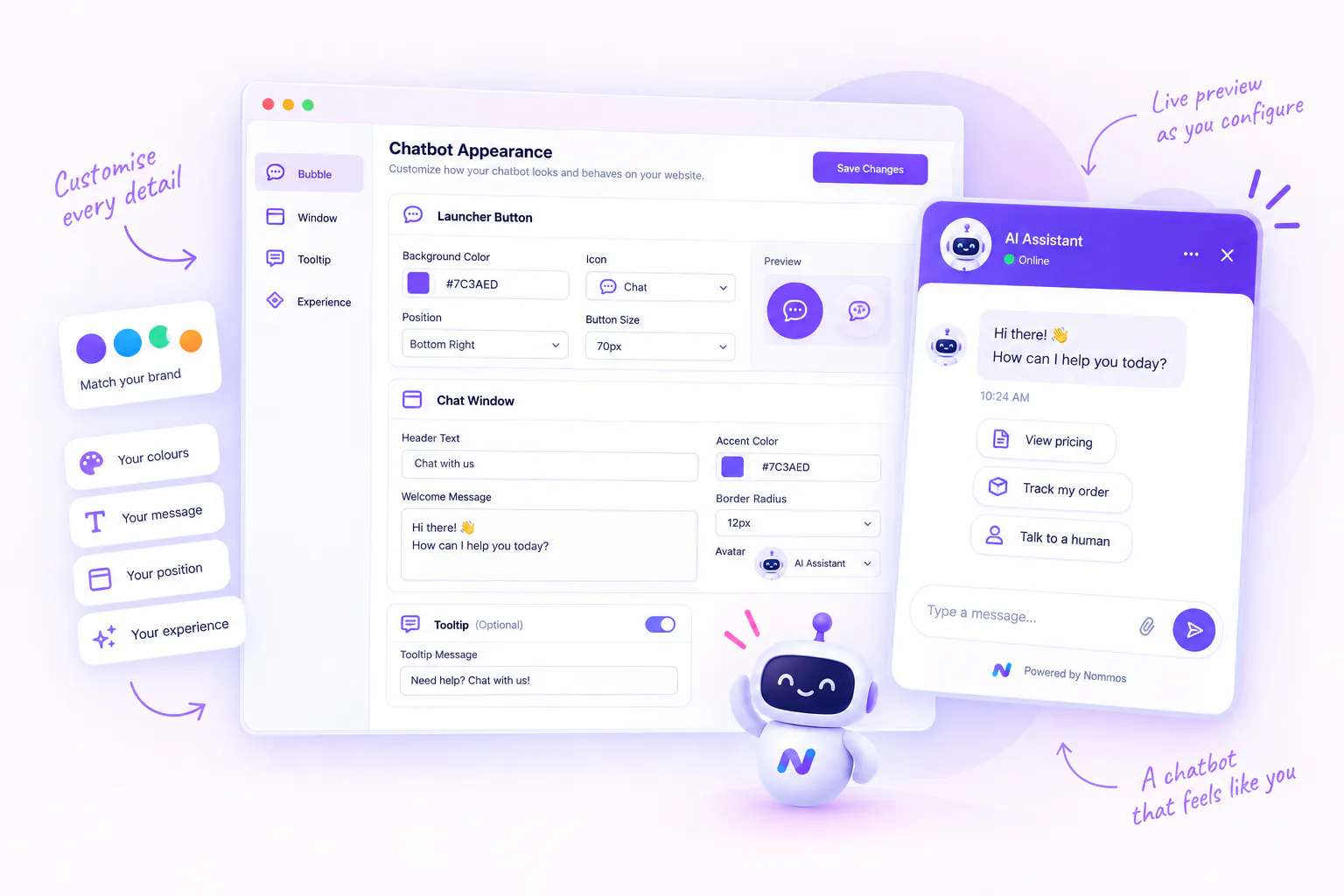
A four-step setup with a live preview that renders the real widget as you configure it.
When the agent judges that a person is needed, it marks the conversation, records why, with what severity and confidence, and it appears in the CRM's Needs Human queue.
The whole demo is about two minutes, and it is the fastest way to see whether it actually understood your material.