Nommos CRM

A CRM that knows more than
your email tool told it.

Because the ad platform, the tracking library and the chat widget all write to the same record, this CRM knows things a standalone one cannot: what someone clicked, what they browsed, what they asked, and how likely they are to leave.

The Nommos segment builder combining a machine-learning churn-risk condition with consent and showing how many contacts match
The problem before

Sending one message used to take a spreadsheet

Before

Define “at risk” — usually a guess about days since last activity. Export a list from analytics. Export another from the email tool. Match them in a spreadsheet on email address. Find the addresses do not match. Clean it. Upload a static list. Send. Repeat next month, because the list is already stale.

With Nommos

Build a segment where churn risk is high and the contact is opted in. Preview how many people match. Use it. It updates itself as behaviour changes, and the risk score is a model output rather than a guess.

Each step in the old process loses people and adds delay. Worse, the definition of “at risk” was a guess, and nothing in the process ever tested whether it was a good one.
Contacts

A list that answers “who should I contact today?”

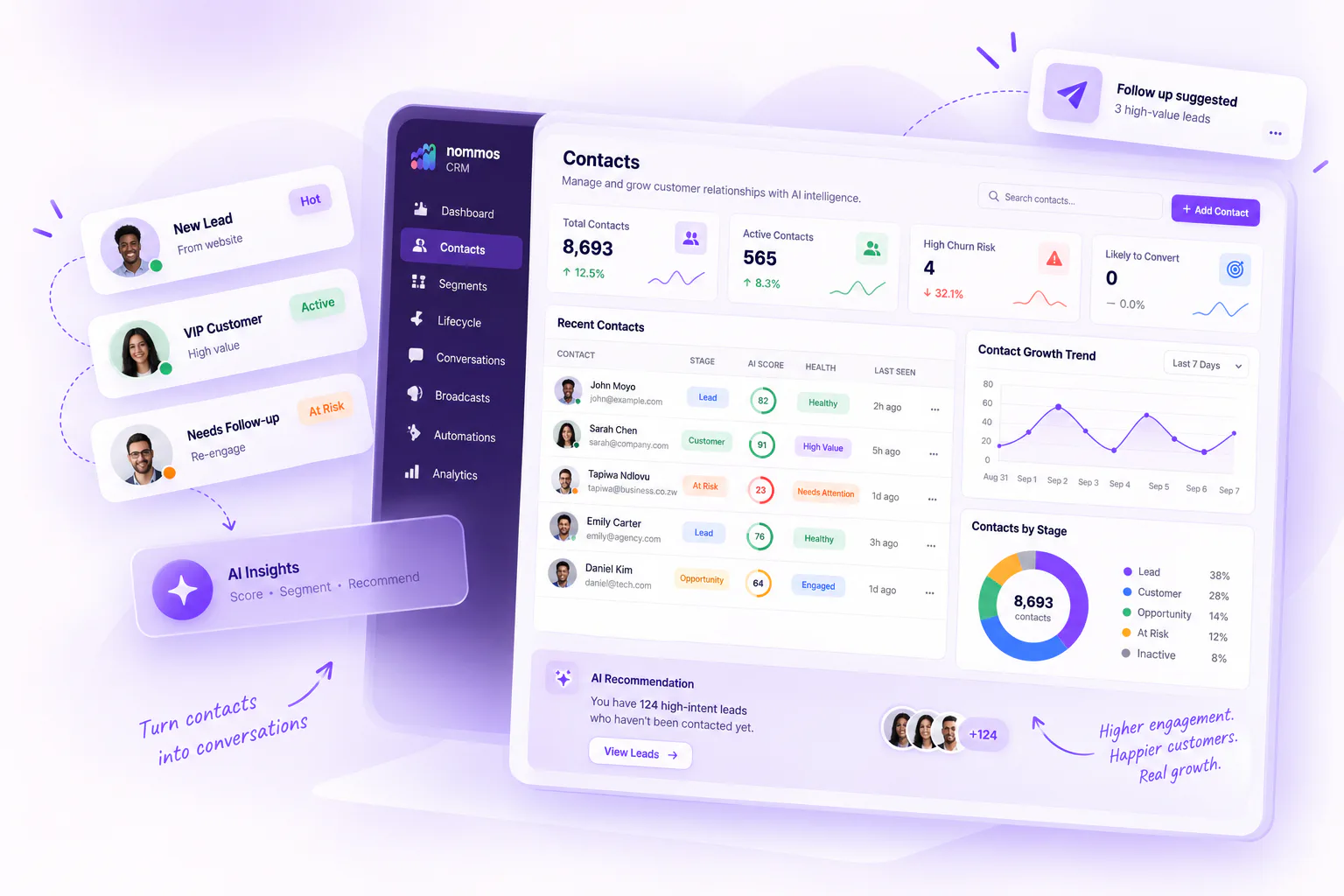
Alongside the usual fields sit three most CRMs do not have: an AI score, a health status, and a recommended action.

  • AI score and health Healthy, needs attention or at risk — sortable and filterable, not decoration.
  • Quick filters that are working lists Hot leads, high conversion, high churn risk, VIP customers, recently active, inactive over 30 days — one click each.
  • A profile that holds the whole relationship Conversion propensity, engagement, churn risk with its top drivers, customer value, lifecycle stage, activity and channel affinity — each with a confidence figure.
  • Import with a real error report Four steps: choose the file, choose how to match existing records, map the columns, then review which rows failed and why.
A Nommos contact profile showing intelligence scores, churn drivers, engagement timeline and recommended actions
Segments

Ten condition types, including a prediction

Every CRM lets you build an audience on what already happened. Being able to say “churn risk is high” as a condition — in the same builder, with no export and no data-science step — is the part that is unusual.

What you can filter on

Property Anything on the contact record
Event Has done, or has never done, with counts
Event time Whether it happened between two dates
Event source Where it came from
Event channel Which channel it happened on
Event property The specific details, with real values to pick from
Consent Whether this person may be contacted on this channel
Messaging How they responded to previous messages
ML score MLChurn risk, engagement, engagement percentile, conversion probability
Location City, country or region

Conditions combine with AND and OR, and can be grouped and nested — so “high value customers who either haven't opened anything in 30 days or have visited pricing twice” is expressible. The builder validates as you go and tells you how many contacts match before you save.

Dynamic or static

A dynamic segment describes a rule and updates itself as people qualify or stop qualifying. A static list is a frozen set. You can snapshot a dynamic segment into a static list when you need the audience held still.

What people actually build

  • Win-back with evidence — high churn risk, previously high value, opted in to email. Rather than everyone quiet for 30 days.
  • Protecting good customers from discounting — high conversion probability and no discount in 60 days, used as an exclusion.
  • Finding the ready-to-buy — visited pricing twice in seven days, hasn't converted, reachable on WhatsApp.
  • Channel-aware re-engagement — dormant over 30 days, and channel affinity says SMS rather than email.
Lifecycle stages

Your model of your customers, made real and enforced

Most businesses have a lifecycle in their heads — visitor, signup, active, at risk, lapsed. It exists nowhere in their tools, so every campaign starts by rebuilding it as a filter, and different people rebuild it differently.

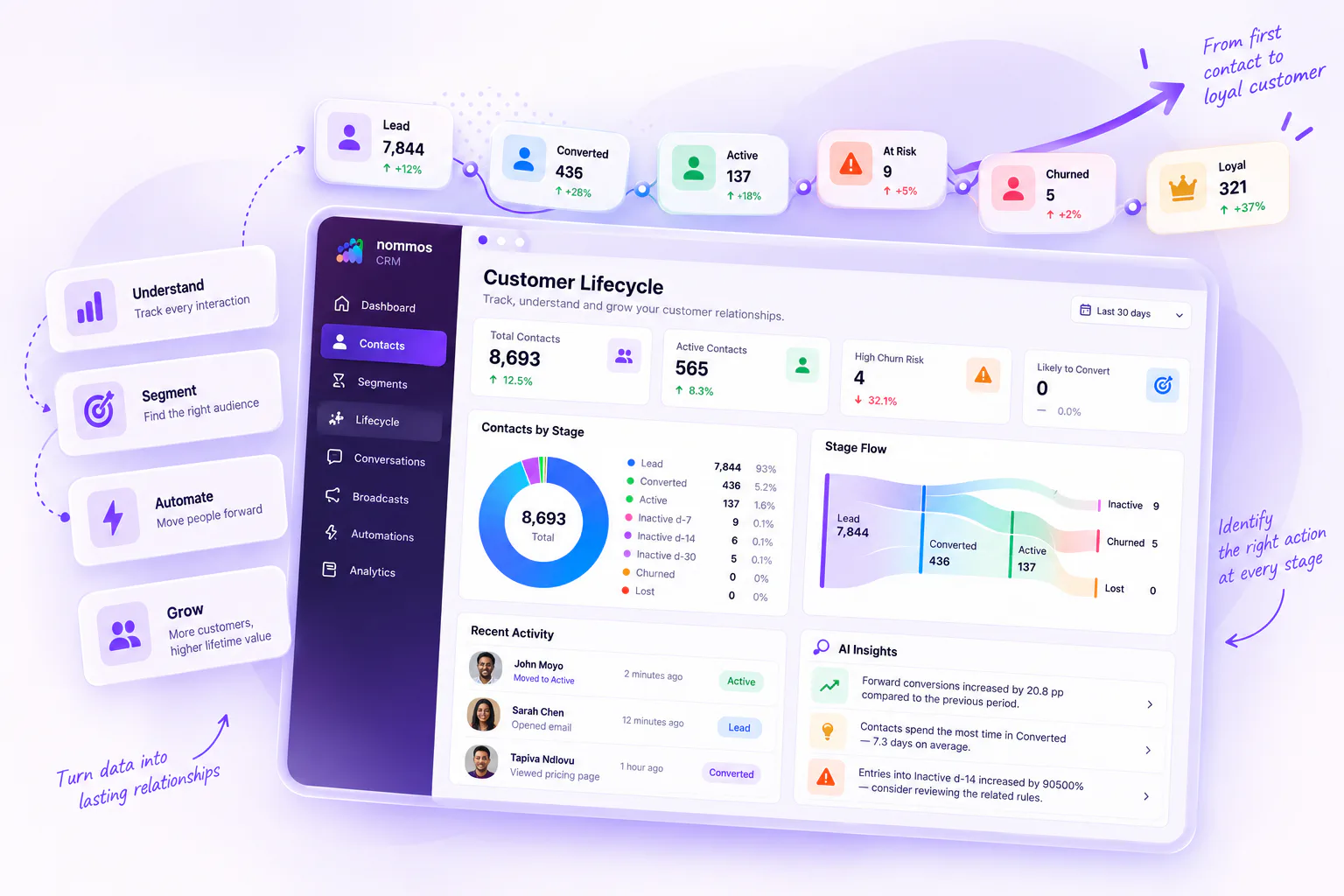
  • Stages you define Name, colour, icon and order, rearranged by dragging. Each shows how many contacts are in it, what share of the total, how many entered today.
  • Rules that move people A current stage, a target stage, conditions and a priority. Safety settings control whether movement can go backwards or skip stages, and whether a human's manual override is respected.
  • Dry-run before you apply Run a rule without applying it: “this would move 214 contacts.” Inspect the list, then apply. Conflicting rules are flagged rather than resolved silently.
  • Actions on enter and exit Send a message, add or remove a tag, enrol in a journey, or call an external system — each testable safely, returning “would send via WhatsApp” or “would skip — not opted in” without doing anything.
  • History with the reason Every stage change records what triggered it: a person, a rule, a journey, an import or an external system.
A Nommos lifecycle rule test showing how many contacts would move stage, before the change is applied
Journeys

Test it on a real customer. Nothing gets sent.

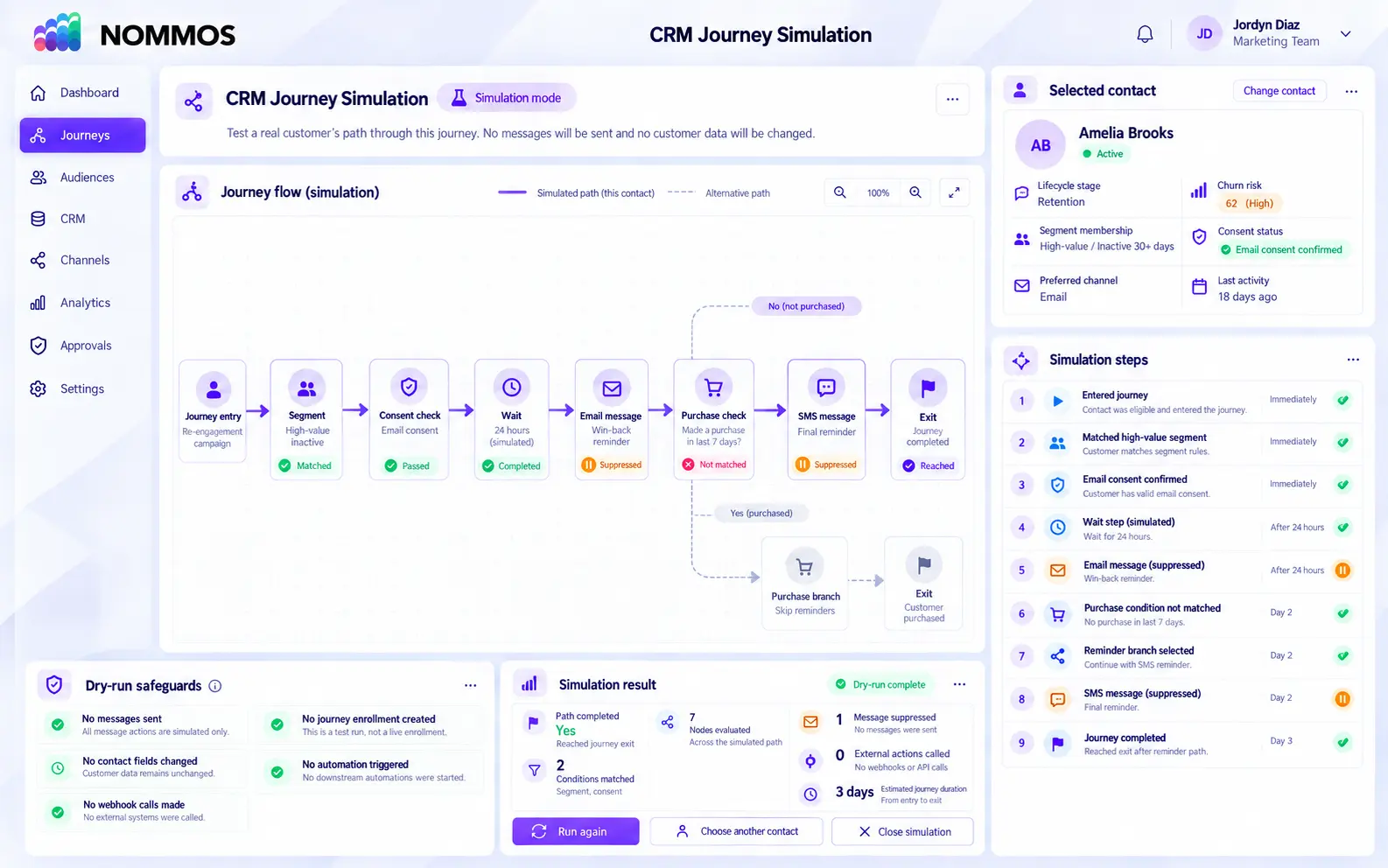
The reason marketers do not automate more is fear: a journey is a program that sends real messages to real people, and a mistake is public and irreversible. So you can run a real contact through a real journey and watch exactly what would happen, without anything being sent.

What the simulation shows you

  • The path that contact would take, step by step
  • Which branch they follow at each decision
  • When each step would happen
  • Why the journey would stop
  • An exportable record of the run

“This simulation does not send messages, mutate contacts, call webhooks, or create jobs.” — stated in the product, not paraphrased here.

A Nommos journey simulation showing a real contact's branch-by-branch path and a notice that no messages are sent

Building one

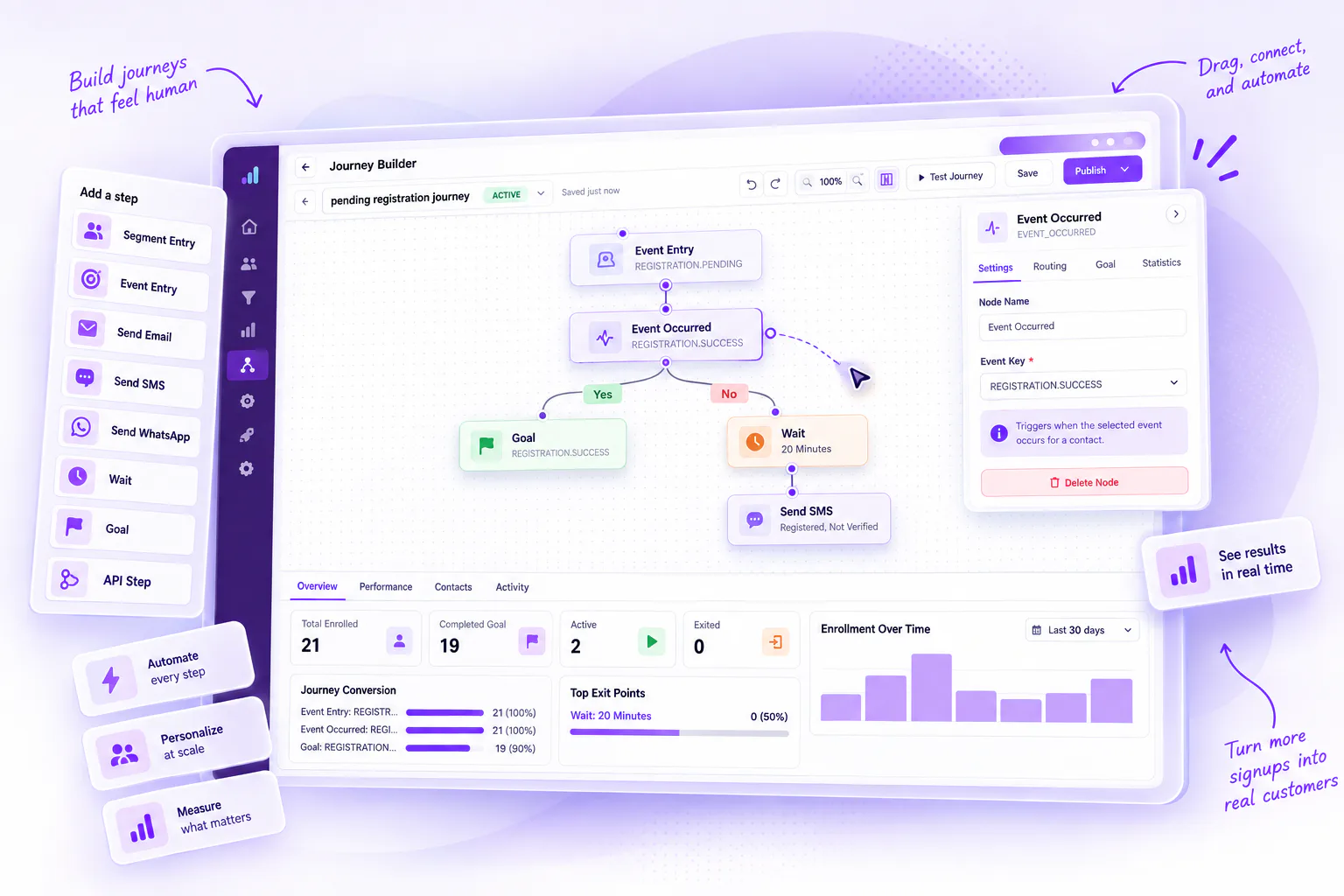
Start from blank, a welcome sequence, cart recovery or an event-based template. Choose entry by segment or event, then the enrolment policy — only new members, or everyone already in the segment, with an explicit confirmation before back-filling.

What the steps can do

  • Send email, SMS, WhatsApp, web chat or a template
  • Add or remove a tag, update the contact, change their stage
  • Wait, delay until, set a goal, exit
  • Branch on if/else, a case decision, whether an event occurred, whether a page was opened, whether an email was opened or clicked, segment membership, a field check

Publish validation in plain words

Not a generic error. “This journey needs an entry point.” “This step is not connected to anything.” “This decision is missing a branch.” “Two branches have the same label.”

Test the journey without touching the customer

Select a real contact and see every condition, branch, delay and exit they would encounter. Messages, profile changes and external actions remain suppressed throughout the simulation.

NOMMOS CRM journey simulation showing a selected customer’s branch-by-branch path, evaluated conditions and suppressed messages, profile changes and webhook actions.
Broadcasts, automations and templates

The everyday sending, and the awkward part of WhatsApp

Broadcasts

A one-time message to a segment. Pick the segment, choose the channels, assign an active template to each, optionally schedule it. The system refuses to proceed if a selected channel has no active template. Afterwards you see recipients, queued, sent, failed and skipped.

Automations

The always-on reflex: when this event happens, wait this long, then send this template on this channel — optionally limited to a segment. Where a journey is a program, an automation is a single reliable response.

Templates

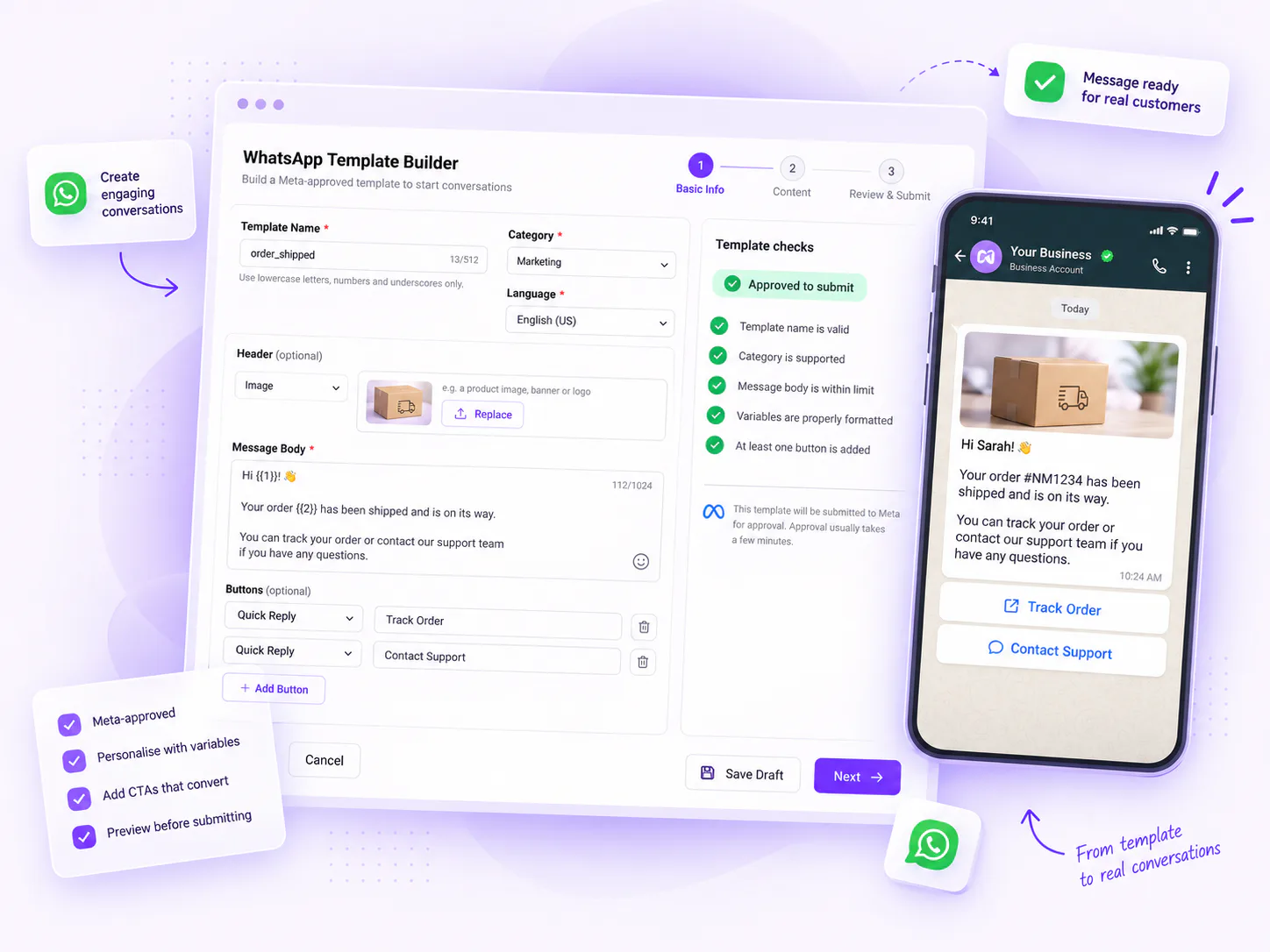
Reusable content per channel — email, SMS, WhatsApp, web chat and web popup — with a visual editor for email, a live character counter for short-form, personalisation fields, CTA links, link parameters for attribution, and a preview in a device frame. The list shows which broadcasts and automations depend on each template.

Shared inbox

Every inbound conversation, in one place

Social messages are the most commonly dropped channel in marketing, because they arrive in five different apps and belong to nobody.

What lands here

Facebook Messenger and comments Instagram DMs and comments WhatsApp Telegram Website chat

Handover that actually works

When the agent decides a conversation needs a person, it marks it, records why, with what severity and confidence, and it appears in Needs Human. Someone takes it, replies, and closes or reopens it.

It tells you when it can't send

If a reply cannot go out — the conversation is closed, or the platform's 24-hour reply window has expired — it says so with the reason rather than failing silently.

Analytics report total conversations, how many needed a human, how many the AI resolved, average human first response, average resolution time, and the split between AI and human handling.

ML Insights

Where a score stops being a chart

Most platforms that added predictive scoring stopped at the score. The distance between “this contact has a 78% churn risk” and “I have sent the right message to the right 240 people” is where such features usually die. Nommos closes that distance in the same screen.

View the affected contacts

Opens the contact list with the insight's audience already applied as a filter.

Create a segment from a driver

Not just from the insight — from one specific cause within it, so “contacts matching this particular driver” becomes a real audience.

Hand it to the CRM Agent

It plans an action against that audience and waits for approval before creating anything.

Mark it resolved or dismiss it

Insights are work items, not a permanent wall of charts.

The models are labelled honestly The interface distinguishes trained models from derived calculations, and reports each one's health as healthy, watch or inactive. Where a score is a calculation rather than a prediction, it says so.
Consent is respected by the model itself When a contact cannot be contacted, the recommended action returned is to wait. The system does not recommend something it is not allowed to do.
The CRM Agent

Describe the campaign. Review what it plans to build.

It compresses the biggest time cost in CRM work — the building — while keeping the decision exactly where it belongs. It also lowers the skill floor: someone who doesn't know how to build a nested segment can ask for one, then inspect what was built.

“Create a win-back campaign for customers who haven't bought in 60 days”

Returns a segment, a template and a broadcast, as drafts.

“Which of my segments are underperforming?”

Analysis rather than creation.

“Build a journey for people who abandon checkout”

Returns a draft journey to inspect on the canvas.

Nothing is created until you approve the plan, and what it creates arrives as drafts. Sending a broadcast or publishing a journey stays a separate, deliberate action.

Build a segment on a model score, live

It takes about three minutes, and the match count updates as we add each condition — which is the fastest way to tell whether any of this is real.